How to Accept Crypto Payments in 2026: A Practical Guide
By James Whitfield, Payments Specialist · Updated September 21, 2026
Every business that wants to accept crypto payments eventually hits the same wall: the internet is full of comparisons between Coinbase Commerce, BitPay, NOWPayments, and PayPal Crypto Checkout, all written for merchants with a dev team and a checkout page to integrate. That's fine if there's a Shopify store to plug into.
But a freelance designer invoicing a client in Lisbon, or a market vendor who just wants to show a QR code at the till, doesn't need an API. They need money to land in a usable form, without asking a non-crypto-native client to figure out what a wallet address even is.
This guide covers both worlds, but leans toward the second one, since it's the part most articles skip.
What "accepting crypto payments" actually means
At its core, accepting crypto payments means routing a buyer's digital asset balance through some kind of settlement process that leaves the seller holding something usable - usually a stablecoin like USDC or USDT, or converted straight to fiat. The buyer sends BTC, ETH, SOL, or whatever they hold. The seller doesn't want to manage forty different coin balances, so something in the middle needs to standardize that into one number.
That "something in the middle" is where the options split.
Option 1: A dedicated crypto payment gateway
For companies with real checkout volume, a dedicated crypto payment gateway is still the simplest default. Gateways like the ones mentioned above handle blockchain transaction confirmation, compliance checks, wallet custody, and crypto-to-fiat conversion, so the merchant's dev team only has to integrate an API and a webhook. Platforms such as Stripe now bake stablecoin acceptance directly into their existing card and bank-transfer rails too, which lowers the lift further for businesses already using them.
A typical five-step rollout looks like this: assess whether customers actually want to pay in crypto, clarify the tax and regulatory rules that apply locally, choose which coins to support, pick a provider, then integrate and launch. That's a reasonable process for a company processing thousands of transactions a month.
It's overkill for a freelancer sending one invoice a week.
Option 2: A direct wallet address
The most basic way to accept Bitcoin payments, or any single coin, is to generate a wallet address and send it to whoever's paying. No gateway, no fee, no third party.
It also comes with real friction. The seller has to trust the buyer sent the right coin on the right network, has to manually check the amount received, and has to convert it themselves if they don't want to hold volatile assets. There's no built-in way to handle someone who sends $47 short of an invoice. And non-crypto-native clients tend to freeze up the moment they're handed a 40-character string and told to "just paste this into your wallet."
That last part is the actual barrier that stops a lot of small business crypto payments from happening at all. It's not that clients don't have crypto. It's that they don't want to think about networks, memos, and address formats for a $200 invoice.
Option 3: A payment link or QR code that skips the wallet-address problem
This is the option most comparison articles leave out, and it's the one that actually solves the freelancer and market-vendor use case.
The idea: the seller sets a fixed USD amount, generates a link or QR code, and sends it over. The payer scans it, picks whatever coin they're holding from a list of 135+ options across 35+ networks, and pays. No wallet address gets typed anywhere. No account signup is required from the payer's side either, which matters a lot when the client isn't a regular crypto user.
WaldenPay's Collect Payments feature works this way. A user creates a payment request with a fixed USD amount and a short description, then shares it as a link or QR code. Anyone can pay it in whatever crypto they hold, across the supported networks, without ever creating a WaldenPay account. The creator receives the exact USD amount they requested in their wallet, and the payer covers a 0.2% conversion fee on top. That fee structure is worth sitting with for a second, because it's the opposite of what most gateways do: the fee is visible upfront, and it's the payer's cost, not a cut taken out of what the seller was owed.
The friction that stops a lot of clients from paying in crypto isn't the currency. It's being handed a wallet address and told to figure it out.
What happens when someone underpays
This is the part almost no guide addresses, and it's one of the first things that goes wrong in practice.
Crypto prices move between the moment an invoice is generated and the moment it's paid. Someone converts USD to ETH in their head, gets the math slightly wrong, or their exchange rounds oddly, and the payment lands short. With a plain wallet address, that's now the seller's problem to chase down manually.
With Collect Payments, underpayments are tracked automatically, and a fresh address gets generated for just the remainder, so the payer can top up without redoing the whole transaction. If a payment never gets completed at all, it's automatically refunded back to the payer's wallet instead of sitting in limbo. That's the kind of detail that only shows up after actually running a few dozen crypto invoices, not in a listicle comparing processor logos.
Crypto invoicing for freelancers, step by step
For a freelancer who wants to accept crypto as a side option alongside bank transfer or card, the flow doesn't need to be complicated.
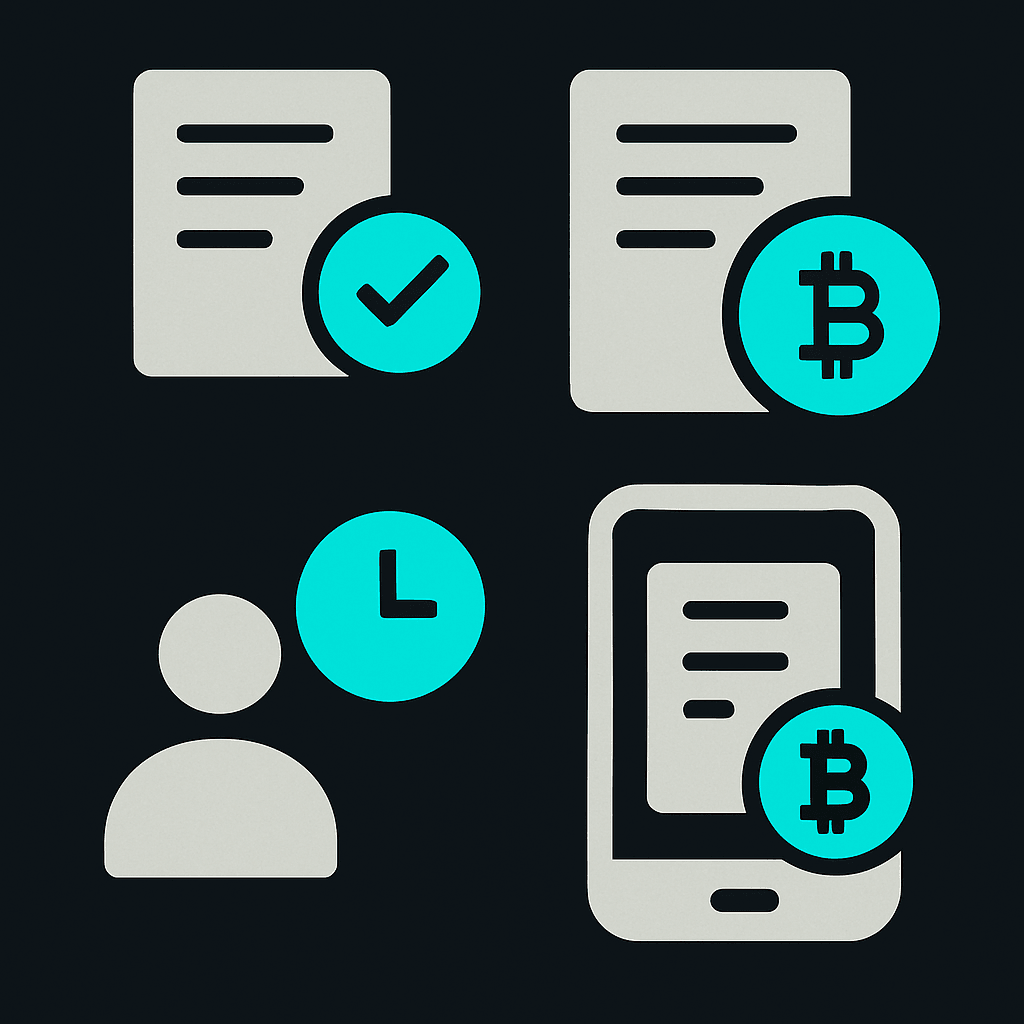
- Decide on a fixed USD amount for the invoice, not a coin amount, since crypto prices move too fast to quote in BTC or ETH directly.
- Generate a payment request with that amount and a short description of the work.
- Share it as a link in an email or invoice, or as a QR code if the client's paying in person or from a phone.
- Let the client choose their coin, whether that's USDT, USDC, BTC, SOL, or something else from the supported list.
- Confirm receipt once the exact USD amount lands, and keep records of the transaction for tax purposes, since accepting crypto doesn't change the underlying tax treatment of income.
Stablecoins are worth defaulting to for anyone new to crypto invoicing. USDC, USDT, and EURC for euro-denominated work track fiat value closely, so there's less exposure to a coin swinging 8% between invoice and payment. Bitcoin and ether are worth accepting too if clients already hold them, but they shouldn't be the default recommendation for someone just getting started.
Accepting crypto in person: the market vendor case
Web-based point-of-sale flows have made in-person crypto acceptance possible without any hardware terminal. Staff enter the price, a live invoice generates, and a QR code gets displayed for the customer to scan. Confirmation typically happens within seconds on the network side.
The same QR-code logic applies whether it's a market stall, a pop-up shop, or a service provider billing at the point of delivery. Nobody at the till is reading out a 40-character wallet address. The customer scans, picks a coin, pays, done.
Comparing the main paths
| Method | Best for | Setup effort | Handles underpayment? |
|---|---|---|---|
| Dedicated payment gateway (API) | E-commerce sites, high volume | Developer integration | Varies by provider |
| Direct wallet address | One-off transfers between crypto-savvy parties | Minimal, but manual | No, manual tracking |
| Payment link / QR code (e.g. Collect Payments) | Freelancers, vendors, solo sellers | Minutes, no code | Yes, automatic top-up or refund |
How to accept crypto payments without an exchange account
A common misconception is that accepting crypto requires an exchange account to convert everything manually. It doesn't, at least not for the recipient.
With a link-based flow, the seller isn't the one juggling coin conversions. The system converts whatever the payer sends into the fixed USD amount that was requested, and the seller's wallet reflects that amount. So the seller never has to open a Coinbase account, track spot prices, or manually swap forty different coins into something spendable. That's the practical answer to "how to accept crypto without an exchange account," and it's a big part of why this model works for people who aren't full-time crypto operators.
It's also worth being clear about what this is not. Collecting payment this way is free to set up and doesn't require the payer to create an account or go through identity verification to send a payment. But the underlying activity is still subject to standard AML and regulatory requirements depending on jurisdiction, and it's not a way to make transactions untraceable. Privacy and convenience are the goals here, not anonymity.
Turning received crypto into everyday spending money
Getting paid in crypto solves half the problem. Spending it without jumping through exchange hoops is the other half.
This is where a crypto virtual card fits in. Once crypto lands in a wallet, whether from Collect Payments, a direct transfer, or Send to Friend, a card funded from that balance lets it get spent anywhere the card network is accepted, online or in-store, without a separate cash-out step through an exchange. WaldenPay's cards convert balance from 135+ cryptocurrencies at load time, with a standard 5% top-up fee and a one-time card issue fee, and cards are typically ready in about 5 minutes. For a full breakdown of how that works, see the crypto payment card guide or the complete features and fees guide.
Freelancers who get paid in USDT specifically have their own considerations around stability and network fees, covered in more detail in the USDT card guide.
Send to Friend vs. Collect Payments: two different tools
It's worth separating these clearly, because they solve different problems and have different limits.
Send to Friend is for transfers between two WaldenPay users, using just an email address, with no wallet address and no blockchain transaction involved since it's an internal ledger transfer that arrives in seconds. It's free, shows a recipient name preview before sending, and requires password confirmation on every transfer. Because it moves between existing user balances, it has defined limits: a $1 minimum, a $10,000 cap per transfer, and a $20,000 cap per rolling 24 hours.
Collect Payments is built for the opposite scenario: getting paid by someone who has no WaldenPay account at all, potentially in any of 135+ coins across 35+ networks. There's no stated cap on the payment amount for this feature, since it's designed to accommodate anything from a small QR-code sale to a larger freelance invoice. The 0.2% conversion fee applies to the payer, underpayments trigger a fresh address for the remainder, and incomplete payments refund automatically.
Confusing the two is an easy mistake, since both live in the same account, but the limits and the account requirements aren't interchangeable.
Why accepting crypto payments makes sense in 2026
Demand is the reason most merchants bother with this at all. Not curiosity, not hype - demand.
39% of U.S. merchants accept digital assets at checkout (2026), and 88% of crypto-accepting merchants cite customer demand as the reason. Those numbers matter because they show accepting crypto isn't some niche trick anymore. It's closer to a standard checkout option now, especially for anyone working with international clients or buyers who'd rather pay in crypto than convert to fiat first.
The practical driver is friction removal. A client in Argentina or Thailand who already holds USDT doesn't want to convert to dollars, pay wire fees, and wait three days for a bank transfer to clear. A vendor at a Saturday market doesn't want to lose 2.9% plus thirty cents to a card processor when a QR code can settle the same transaction in seconds with a smaller fee paid by the customer, not the seller.
Three real scenarios: freelancer, vendor, P2P seller
The freelancer invoicing a client abroad: Crypto invoicing for freelancers tends to break down at one specific point - the freelancer wants $850, but the client's wallet sends some rounded amount of ETH or USDT, and by the time it lands, the value has drifted a bit. The fix is a payment request denominated in USD from the start, not in a coin amount. The freelancer sets the number once, and the request converts to whatever the client pays with, at the moment of payment.
The market vendor accepting crypto at a physical till: In-person crypto payments don't require extra hardware. A web-based point-of-sale flow works conceptually the same way a card terminal does: staff enter the price, a live invoice generates, and a QR code pops up for the customer to scan. Confirmation usually lands within seconds. No card reader fees, no waiting around for a batch settlement at the end of the day.
The P2P seller closing a one-off deal: Someone selling a used laptop, a domain name, or a freelance gig to a stranger online runs into a trust problem. A wallet address alone gives no confirmation of who's paying or how much has actually landed until the seller checks a block explorer manually. A payment link solves this more cleanly - the seller creates a request for the agreed price, shares the link or QR code, and the buyer pays without needing any account at all with the seller's provider.
FAQ
Do I need a merchant account to accept crypto payments?
No, not for the payment-link or QR-code approach. A merchant account or gateway integration matters more for high-volume e-commerce checkouts. Freelancers and small sellers can accept crypto payments through a shareable link or QR code without any merchant account, and the payer doesn't need an account either.
What happens if a customer sends less than the invoice amount?
With a system like Collect Payments, underpayments are tracked automatically and a new address is generated for just the shortfall, so the customer can complete the payment without starting over. Payments that never get completed are refunded automatically to the payer's wallet.
Who pays the conversion fee when accepting crypto payments?
It depends on the tool. With Collect Payments, the payer covers a 0.2% conversion fee, and the creator of the payment request receives the exact USD amount they asked for. That's different from gateways that sometimes deduct a fee from the merchant's side instead, so it's worth checking before assuming who absorbs the cost.
Can someone accept USDT payments without holding a separate exchange account?
Yes. A payment link or wallet-based flow lets a seller accept USDT payments, or any of 135+ supported coins, without personally managing an exchange account, since the conversion into the requested balance happens automatically.
Is accepting crypto payments this way private?
It's more private than handing over full billing details for a card payment, since the payer only needs to scan a code or click a link. But it isn't anonymous, and use is still subject to AML and regulatory requirements depending on jurisdiction. Think of it as privacy-focused, not untraceable.
Ready to get paid in crypto without the wallet-address hassle?
WaldenPay's Collect Payments lets anyone pay a fixed USD amount in 135+ cryptocurrencies, no account needed on their end. Pair it with a WaldenPay virtual card to spend what comes in, anywhere the card network is accepted.
Get your WaldenPay card