Buy Steam Games With a Crypto Card: Checkout and Costs
By James Whitfield, Payments Specialist · Updated October 16, 2026

Buy Steam Games With a Crypto Card: Checkout and Costs
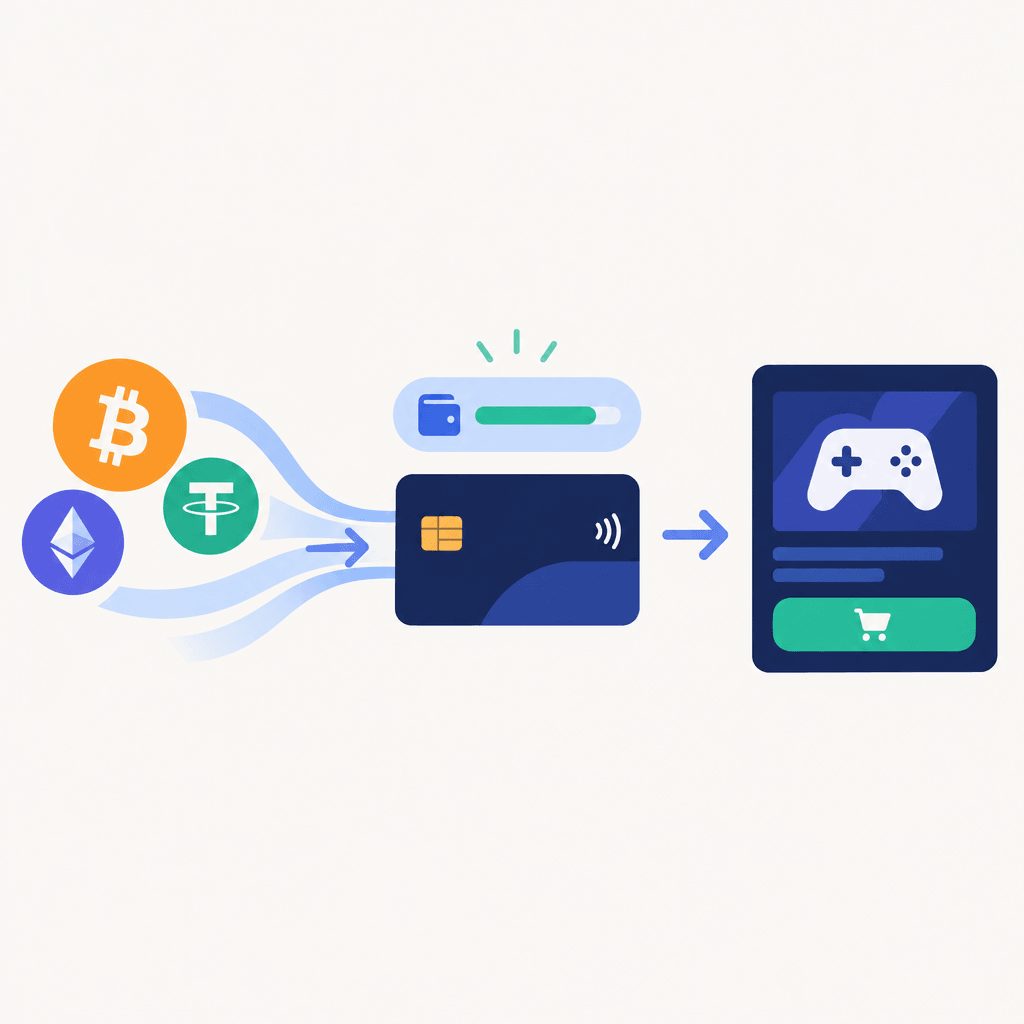
During an evening game checkout, a hypothetical player named Daniel considers WaldenPay's $25 minimum top-up before funding a new card. His plan to buy steam games with crypto card funding can work only where the checkout supports that prepaid card and approves the transaction; the cryptocurrency funds the card rather than being sent directly to Steam.
The practical question is whether the available payment route, spendable balance, and billing details fit the purchase. Broader funding and spending guidance belongs in how to use a crypto card; this checkout decision starts with the payment options actually displayed.
Check eligibility before trying to buy steam games with crypto card funding
As of July 2026, buyers should verify Steam's current payment options and prepaid-card conditions for their account before committing funds. A card-network logo alone doesn't establish that a particular prepaid virtual card will be accepted.
WaldenPay's crypto virtual card is a prepaid card on Visa/Mastercard rails, funded with 135+ cryptocurrencies across 35+ networks. Cryptocurrency converts to card balance at loading time, and the card is issued instantly after funding. Those product features don't establish eligibility for any individual merchant transaction.
- Check whether the checkout offers a compatible card-payment option.
- Confirm any restrictions concerning prepaid or virtual cards.
- Check account eligibility and purchase requirements before funding.
- Keep the account location and billing information accurate.
The online crypto card guide helps distinguish funding readiness from checkout readiness. A funded card still needs merchant acceptance and transaction approval.
Choose a direct game purchase or available Wallet funding
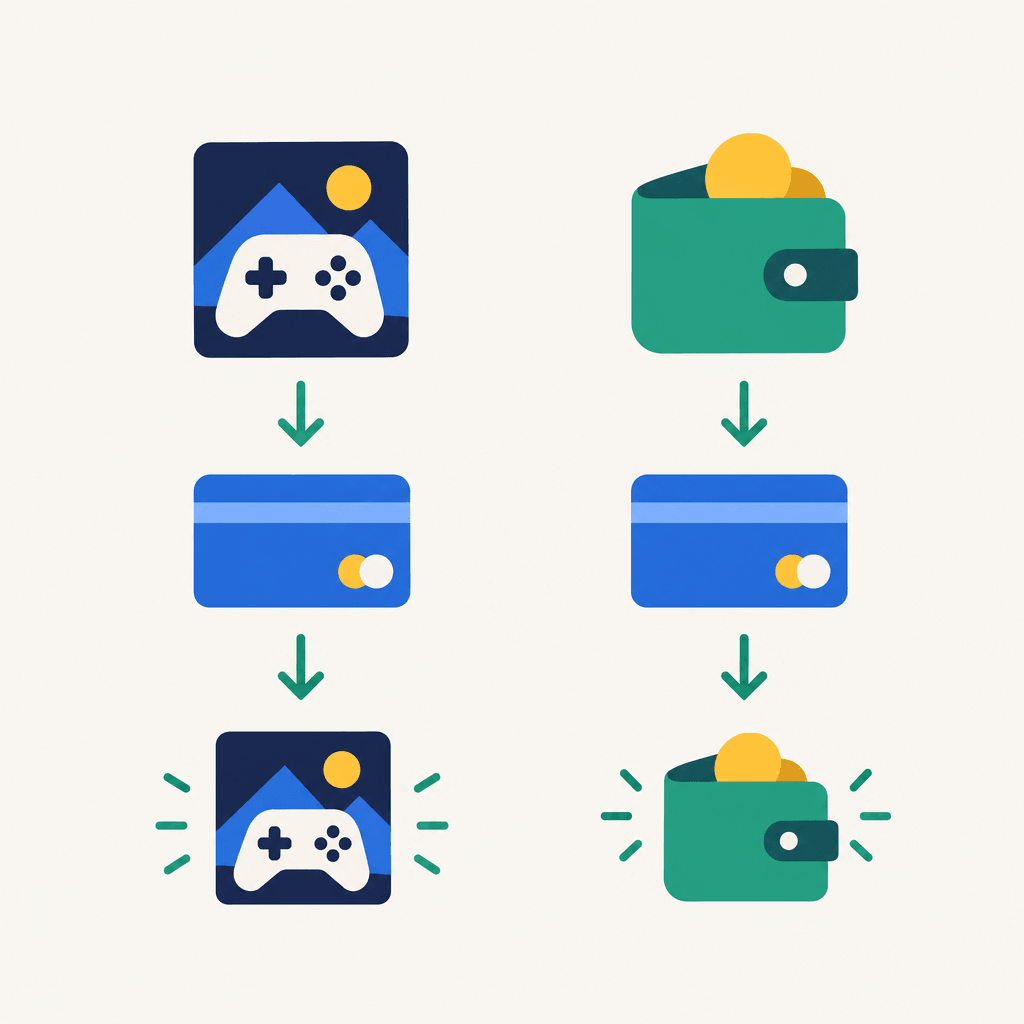
The Steam Wallet versus direct game purchase decision should come before the top-up. For a specific game, the buyer can first check whether direct card checkout is available; Wallet funding should be considered only if the account offers it and its terms suit the intended purchase.
Someone planning to buy steam games with crypto card funding should compare the amount needed for the game with any available Wallet loading amounts. A larger funding amount may leave unused value in a separate balance, so it shouldn't be selected merely because it appears convenient.
| Route to check | Before payment | Refund question |
|---|---|---|
| Direct game checkout | Verify card eligibility and the final order total. | Where would an approved game refund be credited? |
| Steam Wallet funding, if offered | Verify available amounts, card eligibility, and balance-use conditions. | Are Wallet funding and game purchases treated differently? |
Neither route should be treated as a way around prepaid-card restrictions. The distinction between checkout and payment links also matters: a merchant card checkout isn't interchangeable with a separate crypto payment request.
Enter accurate details to buy steam games with crypto card funding
Once eligibility looks suitable, the buyer should prepare the card details and confirm the available balance. A crypto funded card for Steam needs enough spendable value for the displayed purchase total, not merely a record that cryptocurrency was deposited.
- Review the funding quote. Confirm the supported cryptocurrency, network, destination, top-up amount, and displayed fee before sending funds.
- Wait for the available card balance. An initiated transfer isn't the same as a completed load.
- Enter the issued credentials. Copy the card number, expiration date, and security code accurately.
- Provide truthful billing details. Use the information associated with the card and account; unclear billing fields should be resolved with support.
- Review the order before submitting. Check the selected game, payment destination, and final total.
And a virtual card shouldn't be entered as a cryptocurrency address. The prepaid crypto card overview explains the balance-based payment model without changing the merchant's requirements.
Calculate the cost before loading the card
A decision to buy steam games with crypto card funding should account for setup costs separately from the game price. For a new WaldenPay card, the published charges are a $10 one-time issue fee and a top-up fee starting at 5%; there's no monthly maintenance fee.
The minimum top-up is $25. That minimum isn't a promise of a particular game price or a statement that every funding amount becomes an equal spendable balance after fees.
WaldenPay automatically reduces the top-up fee according to rolling 30-day card spend:
- 5% below the $2,000 qualifying threshold.
- 4.75% from $2,000; 4.5% from $5,000.
- 4.25% from $10,000; 4% from $25,000.
- 3.5% from $50,000; 3% from $100,000.
- Individual pricing at $250,000 or more per month.
The dashboard shows the current fee, rolling spend, and progress toward the next level. Discounts apply automatically, without an application; a large deposit alone doesn't establish qualifying card spend. The card pricing schedule provides the published charges for comparison before funding.
For illustration, a $100 amount subject to a 5% top-up fee produces a $5 fee; at 3%, the fee is $3. These calculations isolate the top-up charge rather than asserting how the funding screen presents the total debit and resulting balance.
For a small, occasional game purchase, the $10 issue fee deserves particular attention. An existing cardholder doesn't incur that creation fee again for each game, while a new customer must include it in the initial budget.
The crypto card fee calculator can help prepare the funding estimate. The final funding screen should still be checked before cryptocurrency leaves the sending wallet.
Handle a decline without changing account facts
A failed attempt to buy steam games with crypto card funding isn't a reason to invent a billing address or switch account location. It means the buyer needs to identify whether the problem concerns details, available balance, account eligibility, or payment acceptance.
Before another attempt, the buyer should check:
- Whether the card details were entered correctly.
- Whether the available balance covers the final total.
- Whether the transaction is declined, pending, or completed in the card account.
- Whether merchant or card-provider support identifies an eligibility issue.
Repeated submissions aren't a diagnosis. If the transaction status is unclear, resolving it first is safer than assuming every unsuccessful checkout left the balance untouched.
Card credentials and security codes shouldn't be posted in public support discussions. The card security information provides a useful reference for handling account access while an issue is investigated.
Confirm refund handling before the purchase
Anyone planning to buy steam games with crypto card funding should investigate the return path as carefully as the payment path. As of July 2026, the buyer should verify Steam's current refund eligibility, destination options, and treatment of Wallet-funded purchases directly in the applicable terms.
Steam game refunds to prepaid cards raise a separate provider question: how would an approved merchant refund reach that particular card account? The buyer should confirm handling if the card expires or becomes unavailable, rather than assuming a replacement card automatically receives it.
Loading cryptocurrency converts it to card balance; that doesn't establish a right to receive a refund in the original cryptocurrency. Nor should the buyer assume that card issuance or loading charges become refundable because a game purchase is reversed.
Keeping the order receipt, payment reference, and card transaction record makes any support request more precise.
FAQ
Can a buyer buy steam games with crypto card funding without sending crypto to Steam?
Yes, where the checkout supports the card and approves the transaction. Cryptocurrency funds the prepaid card first; the merchant-facing purchase then uses card details rather than a cryptocurrency transfer.
Does a successful card load confirm that the game payment will work?
No. Loading confirms a funding action, not merchant eligibility or approval. The buyer still needs an available balance, accurate details, and a supported payment route for that account and purchase.
Should a buyer add extra money just to reach a discount tier?
WaldenPay's discounts depend on rolling 30-day card spend, not the size of a deposit. Spending more solely to obtain a lower loading fee can undermine the intended savings; the dashboard shows the applicable tier.
Is a privacy-focused card purchase anonymous?
No. WaldenPay signup requires an email, with no identity documents for standard use, but use remains subject to AML and regulatory requirements. That doesn't remove the merchant's account requirements or make transactions untraceable.
Make the final checkout decision
Before proceeding, the buyer should have a supported checkout route, an accurate billing profile, sufficient available balance, and a clear understanding of refund handling. The sensible way to buy steam games with crypto card funding is to verify those conditions before loading, rather than treating a funded prepaid card as guaranteed acceptance.