Fake Trust Wallet Website: Domain Checks Before You Send
By James Whitfield, Payments Specialist · Updated November 6, 2026
Fake Trust Wallet Website: Domain Checks Before Sending Crypto
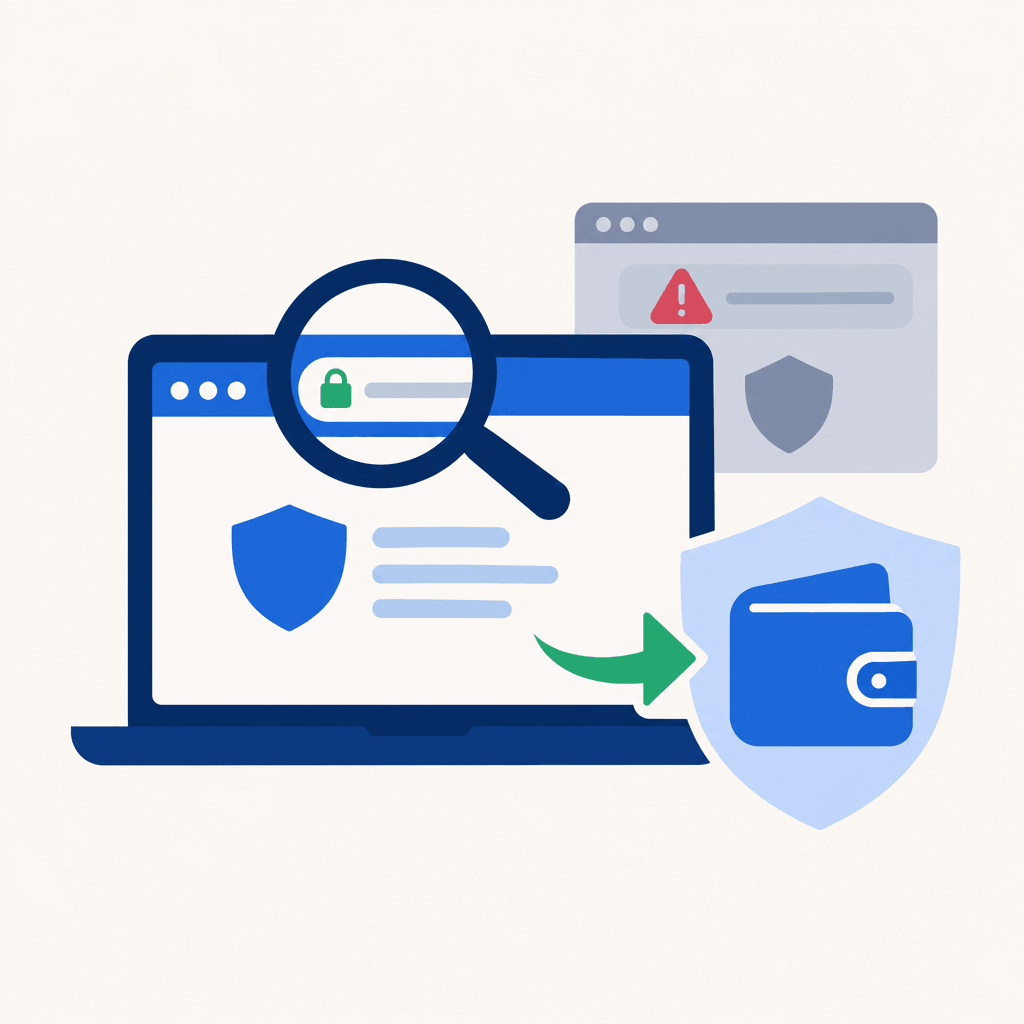
trastwallet[.]cam is the lookalike address behind a reported fake trust wallet website warning. Finance.biggo.com dates Changpeng Zhao's warning to November 5, 2026; FinanceFeeds' domain warning emphasizes that ".cam is not .com." Before connecting or sending crypto, holders should establish the correct destination independently rather than trust the page's branding.
For the wider spending process, the crypto card spending guide explains how wallet funding relates to card payments. Domain verification belongs before any funding transaction.
What the fake trust wallet website report establishes
CryptoBriefing dates identification of the phishing domain to November 4, 2026. Crypto.news reports that visitors were asked to connect wallets to review transfers, while the site's JavaScript checked balances through a backend API and prepared transfers to fixed recipients. Those are attributed reports, not independently verified findings about a currently accessible site.
The November 5 warning date shouldn't be confused with FinanceFeeds' publication date, which requires confirmation on the publisher's page. Likewise, an "as of July 2026" snapshot cannot establish facts about this later November warning.
The practical concern is the mismatch between the advertised task and the requested authority: reviewing transfers shouldn't be treated as permission to move assets.
Domain checks that expose a fake trust wallet website
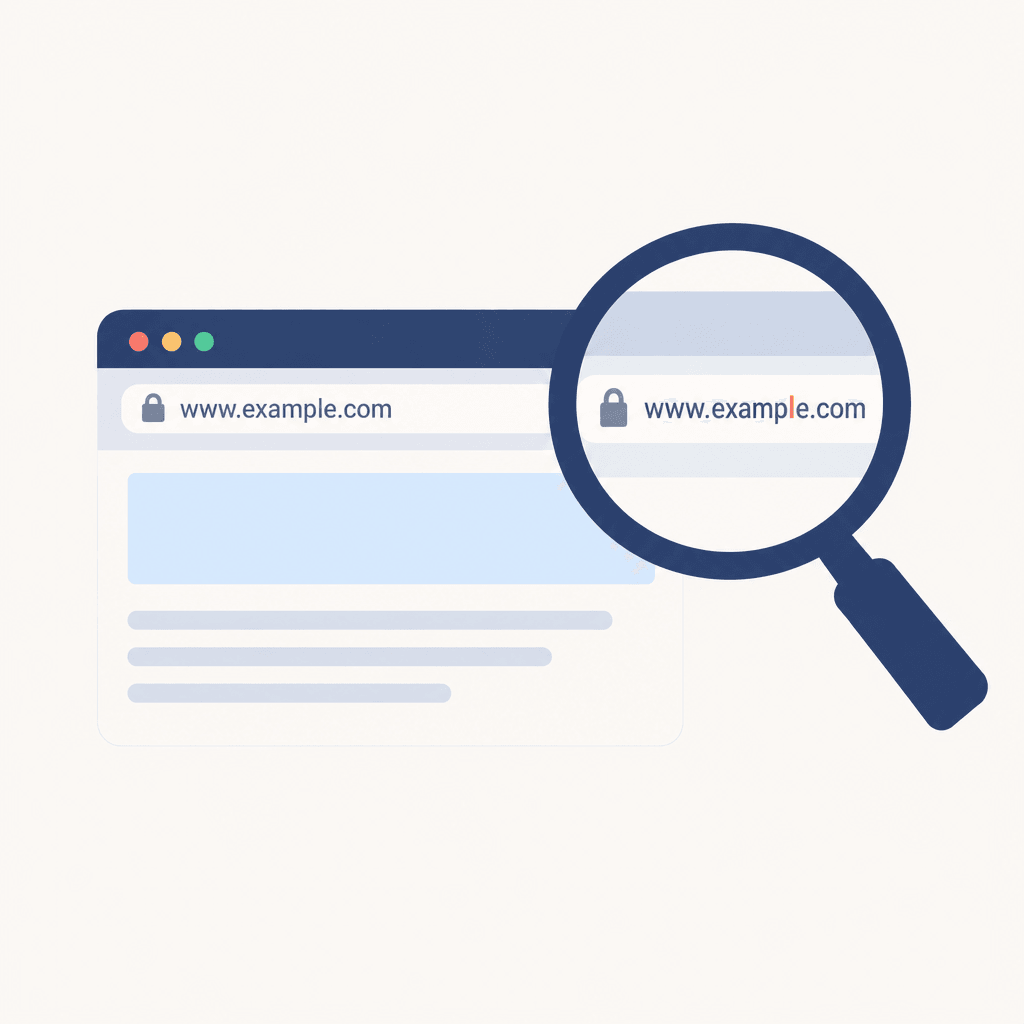
A fake trust wallet website can reproduce familiar colors, support language, and wallet prompts. None establishes who controls the address.
- Inspect the complete hostname. The browser's address bar matters more than the title displayed inside the page. On a phone, expanding the address can reveal hidden portions.
- Check spelling and the ending separately. The reported address changes both the brand spelling and domain ending. Checking only for ".com" wouldn't catch every impersonation.
- Separate subdomains from the controlling domain. A brand name before another domain doesn't make that address brand-owned. Words after the slash are page paths, not proof of ownership.
- Establish the destination independently. A previously verified bookmark or established app support route is stronger evidence than a sponsored search result, unsolicited message, or QR code.
- Check redirects before interacting. A link's displayed text can differ from its destination. The final address needs another inspection before a connection or signature.
HTTPS encrypts the connection to the displayed host. It doesn't certify that the host belongs to the organization being impersonated.
Software sources need a separate check
Wallet download source verification means reaching the software listing through an independently established publisher channel, then checking the publisher identity and installation instructions. Search placement, review counts, and familiar icons aren't enough. Unexpected requests to sideload software or enter a recovery phrase deserve a pause.
A fake wallet browser extension and a compromised legitimate extension are also different incidents. The domain warning alone doesn't establish an extension compromise, affected version, or safe replacement version. Any separate extension alert needs its own publisher advisory before readers act on version-specific advice.
For merchants, the merchant hot-wallet security checks explain why software maintenance and wallet-activity review remain separate tasks.
Card funding doesn't repair source-wallet exposure
Detecting a fake trust wallet website matters before any outgoing payment, including a card load. WaldenPay's crypto virtual card converts funded cryptocurrency into card balance at loading time; it cannot secure a compromised source wallet or undo earlier exposure.
WaldenPay is a prepaid card platform, not a bank. Its privacy-focused service remains subject to AML and regulatory requirements. A completed load doesn't prove that remaining source-wallet assets are safe.
FAQ
What should someone do after merely visiting a fake trust wallet website?
The visitor should close it, avoid reopening downloads, and check whether anything was installed or permissions were granted. A visit alone doesn't establish wallet compromise. Unexpected downloads or browser changes warrant a device-security review before further wallet use.
What changes after a wallet connection?
The holder should disconnect the suspicious wallet connection through the wallet's session controls and review activity. Connecting isn't automatically a transfer authorization, but subsequent signatures may change the exposure. Disconnecting alone doesn't revoke existing on-chain permissions.
What if an approval or unfamiliar message was signed?
The holder should identify the network and inspect the transaction or signature using independently verified tools. Unwanted token approvals should be revoked where applicable. Some signatures authorize actions without an immediate visible transfer, so unclear requests warrant legitimate wallet-support guidance.
What if a recovery phrase was entered?
Recovery phrase phishing exposes control of the wallet itself. From a trusted device, the holder should create a fresh wallet with a new phrase and move remaining assets where possible. Reusing the exposed phrase restores the same compromised wallet; permission revocation doesn't repair that exposure.
Resume spending after addressing exposure
WaldenPay can support subsequent card spending, but it cannot reverse damage from a fake trust wallet website. The critical caveat remains: disconnecting doesn't revoke permissions, and revoking permissions doesn't secure an exposed recovery phrase.
Get started with WaldenPayRelated
- BTCPay Server Security Update: Merchant Hot-Wallet Checks
- Send Crypto to a Friend Instantly (No Wallet Address) 2026
- Apple Cash Identity Verification: Checks for Reload Users
- ConnexPay Mobile Wallet: Which Virtual Cards Can Tap to Pay?
- ChatGPT Plus Declined: VPN Triggered Fraud Check (2026)
- Virtual Card With No ID Verification